Automatic restarts are good for a known, short-lived failure. They become dangerous when they erase evidence of a repeating problem or turn a small fault into a reboot loop.
For a home server, let the machine perform narrow, reversible recovery actions, then alert you and stop when the same service keeps failing. SSH is where diagnosis happens.
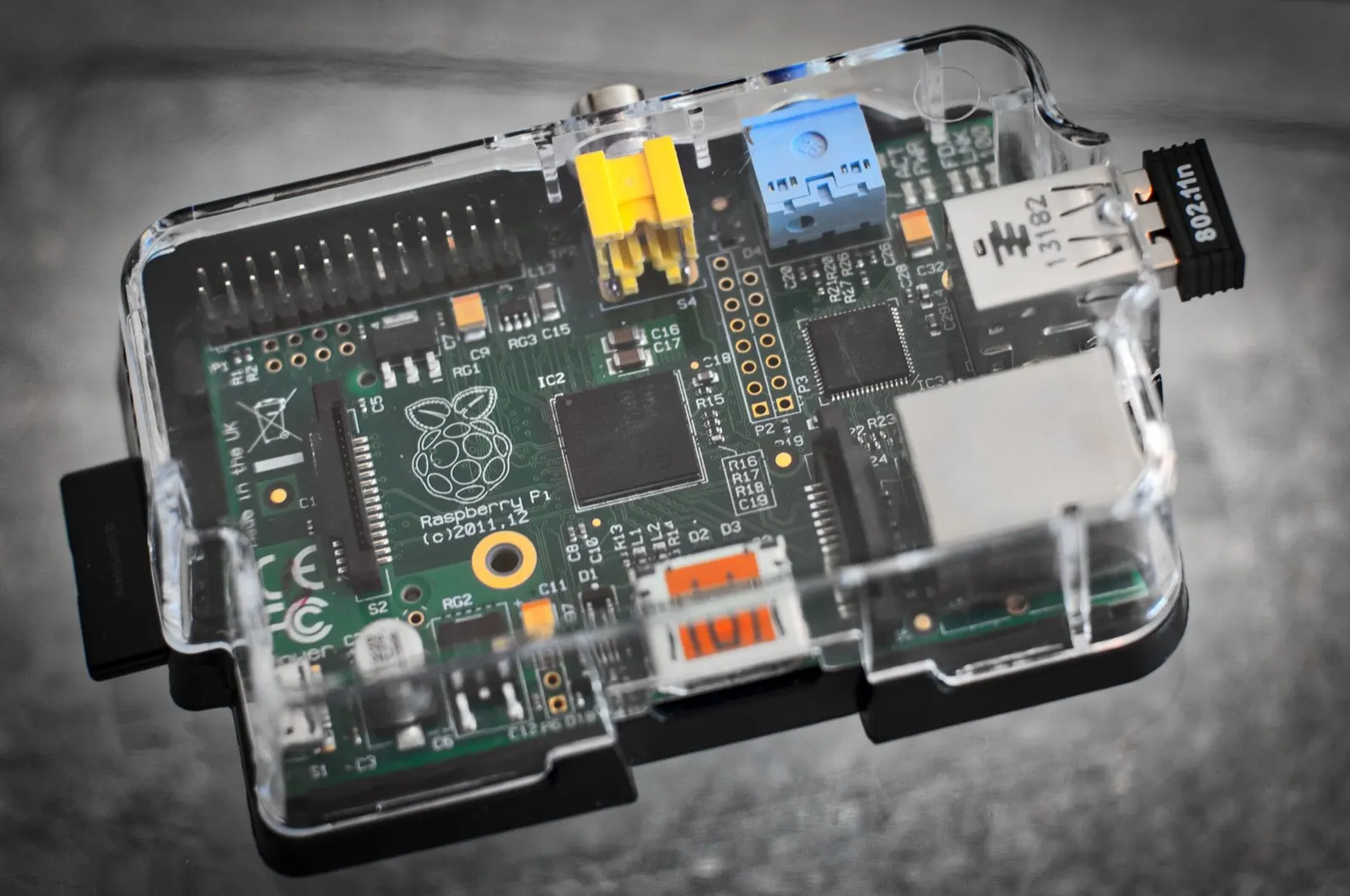
A recent XDA Developers story describes this pattern on a Raspberry Pi Zero 2 W running Pi-hole, Unbound, Docker workloads, and Tailscale. Its script checks services and connectivity on a timer, records results, attempts restarts, and reserves a reboot for multiple failed checks.
Opening a terminal to run systemctl restart after every one-off crash is work a host can often do safely. Deciding why it crashed, whether the restart restored the service, and whether it now fails every hour is harder.
Give the host a small repair budget
For a directly installed service, systemd can restart a process after failure:
[Service]
Restart=on-failure
RestartSec=15

[Unit]
StartLimitIntervalSec=10min
StartLimitBurst=3
The exact unit layout depends on the service. A process gets a few recovery attempts, waits between them, then systemd stops trying after too many failures in a defined period.
That stop matters. A service that immediately crashes can fill journals, consume CPU, overwrite timing information, or create a misleading appearance of activity. On a modest board, a tight restart loop wastes resources.
Docker has the same general idea through restart policies. A container that exits after a temporary network hiccup may recover with unless-stopped or on-failure, depending on what you need. The policy starts the container again. It does not prove the application inside is usable.
A DNS container can be running while queries time out. A Tailscale daemon can exist as a process while remote reachability is broken. Process state and service health are different checks.
Use a repair budget for narrow, reversible actions:
- Restart one failed service after a failed health check.
- Restart a Docker container that has exited.
- Renew a process after a temporary dependency failure.
- Record the failed check, action taken, and result.
Avoid default actions with a wider blast radius. Recreating containers, deleting volumes, changing firewall rules, applying updates, and rebooting a host can be valid operations, but not after a single failed probe.
Check the thing users actually depend on
A health check should test the useful function, not search for a PID.
For Pi-hole with Unbound, make a DNS query against the local resolver and check for an expected response. For a web application, request a local health endpoint. For a backup job, check the age and exit status of the last successful backup, rather than whether the scheduler is running.
Keep checks local where possible. A failed ping to a public address does not always mean the Pi is unhealthy. The upstream connection may be down, ICMP may be filtered, or the endpoint may have its own issue. A local DNS probe, loopback HTTP check, and default-route check answer different questions.
That matters before a reboot. If local services work but the WAN check fails, restarting Pi-hole or rebooting the board probably will not repair an ISP outage. If Docker is inactive, the resolver has failed, and multiple local checks fail together, broader recovery may be reasonable.
Write the dependency chain down before automating it:
- Is the operating system responsive?
- Is the required service manager or Docker daemon active?
- Is the target service running?
- Does the target service answer a local functional check?
- Is the upstream network reachable, if the service requires it?
Each answer points to a different repair. Treating all failed checks as "reboot the Pi" throws away that information.
Repeated failure is an investigation trigger
The first restart can be routine. The second and third should leave a trail. Once the retry limit is hit, alert and preserve state for a person to inspect.
This is where SSH earns its place. A failed restart can point to a full filesystem, expired certificate, broken package update, port conflict, damaged Docker network, memory pressure, unavailable mounted disk, or configuration edit that did not survive a reboot. Repeating the same restart does not reliably fix those problems.
Start with the timeline. These read-only checks usually tell us more than restarting again:
systemctl status unbound --no-pager
journalctl -u unbound -b --no-pager
journalctl -p warning..alert -b --no-pager
df -h
free -h
For a container, inspect its exit code, restart count, and recent logs. Then check the host at the same time. A container crash caused by the Linux out-of-memory killer is a host-level problem. Restarting it may bring it back briefly, but does not create more memory.
For DNS, test both sides of the boundary. Query the resolver locally on the Pi, then from a LAN client. Local success plus client failure points toward networking, DHCP, firewall rules, or client configuration. Local failure points closer to the resolver.
Save enough context for a productive session. Timestamp every probe, log command outcomes and exit codes, and use bounded log rotation so the card does not fill with watchdog output. If a script restarts a service, log health before and after the action.
Do not put SSH private keys, passwords, API tokens, or complete environment dumps into logs. A recovery script often runs with more privilege than its author intended, so its output needs the same care as any admin record.
Alerts should carry evidence, not only panic
An alert saying "server down" gets attention but leaves you to reconstruct the incident. A better alert says what failed, how long it has failed, what action was attempted, and whether it worked.
For example: a DNS check failed twice, Unbound was restarted once, the third check still failed, and the host stopped automatic attempts. That tells you to open a terminal, not restart Unbound again.
SSH Guru Watches are built for this read-only work. A small watcher reports on a schedule and accepts no commands back. It can check disk space, load, service conditions, Docker health, backups, certificates, and logs, then send a Telegram alert when a problem is found or a server stops reporting.
The watcher is the observer. Recovery rules are the repair mechanism. Keeping them separate makes it easier to see what changed during an incident.
Use AI for the investigation, with a person at the keyboard
Once a repeated failure reaches you, terminal output can be noisy. An AI assistant can explain journal messages, connect a failed health check to a likely dependency, and suggest the next command. It should not quietly take ownership of a machine behaving unexpectedly.
In SSH Guru, Guru reviews command output you choose to share and proposes one command at a time. Read-only commands are tier 0. State-changing commands are tier 1. Destructive commands are tier 2 and require typing the hostname before approval. Nothing runs until you approve it.
During a messy incident, inspecting journalctl, disk space, or Docker logs differs from purging data, recreating a container, or rebooting the host. The latter may be necessary, but it needs a deliberate decision based on evidence.
We scrub tokens, passwords, and keys from terminal output before model access. IP addresses and hostnames can be scrubbed too. Still, review what you send. A terminal transcript can contain more operational detail than expected.
For remote Pis behind a home router or CGNAT, plan the access path before the outage. A bridge that dials outbound can provide SSH access to permitted targets without opening an inbound router port. Its allow-list is written to the ESP32-S3 board and changes only over USB. That helps when remote access is one of the services that may fail. Our guide to SSH without port forwarding explains the connection model.
A self-repairing home server is useful for boring, well-defined faults. Set the repair budget low, test real service health, keep logs, and alert when the budget is spent. Then investigate with SSH before the system makes a larger change.


Comments
No comments yet. Be the first.